 blog
blog
Best Ways to Self Publish Illustrated Books in 2026
Table of Contents
- Why Illustrated Books Demand a Different Publishing Path
- What It Actually Costs to Self Publish a Children's Book
- Offset Printing vs Print on Demand for Picture Books
- How to Format an Illustrated Book for KDP
- CMYK vs RGB: Color Profile Management Most Authors Get Wrong
- Illustrator Contracts and Commercial Rights: A Legal Checklist
- Distribution, Book Signings, and What Happens After Launch
- Frequently Asked Questions
Last Updated: October 4, 2026
Why Illustrated Books Demand a Different Publishing Path
To self publish illustrated books is not the same as self publishing a novel. The art brings costs, file requirements, and legal questions most first-time authors never see coming.
At VGP Author, we write and publish children's illustrated books, bedtime stories, and rhyming books. The biggest is color.
A picture book lives or dies by how its pages print. Get the color profile wrong and your bright yellow duck turns green.
What It Actually Costs to Self Publish a Children's Book
The cost to self publish a children's book depends on four things: editing, illustration, design, and production. Illustration is almost always the largest line item because a 32-page picture book needs 15 to 20 finished pieces of art.
Here is how the money usually breaks down:
- Manuscript editing: developmental and copy edits before art begins
- Illustration: the biggest cost, priced per spread or per finished page
- Layout design: placing text and art, setting the gutter and bleed
- Production: printing, shipping, and setup fees
- ISBN and registration: a small but fixed cost
Pricing varies by illustrator, page count, and print run, so we do not publish flat rates. For current packages, check VGP Author's site.
Line-Item Breakdown: Editing, Illustration, Design, and Production
Think of it as a sequence, not a menu. Editing comes first, because rewriting text after the art is drawn means paying for new art.
| Stage | What Happens | When to Do It |
|---|---|---|
| Manuscript editing | Fix story, pacing, rhyme | Before any art |
| Illustration | Sketches, then final color art | After text is locked |
| Layout design | Place text, set bleed and gutter | After art is approved |
| Production | Print, bind, ship | Last step |
Where Authors Overspend (and Where Cutting Corners Backfires)
A common mistake is hiring an illustrator before the manuscript is final. Every text change after that point costs you twice.
The other trap is skipping professional layout. A designer who knows bleed and gutter saves you a rejected file and a reprint bill.
Offset Printing vs Print on Demand for Picture Books
For most new authors, print-on-demand is the right first choice. Offset printing wins only when you need a large run and lower per-unit cost.
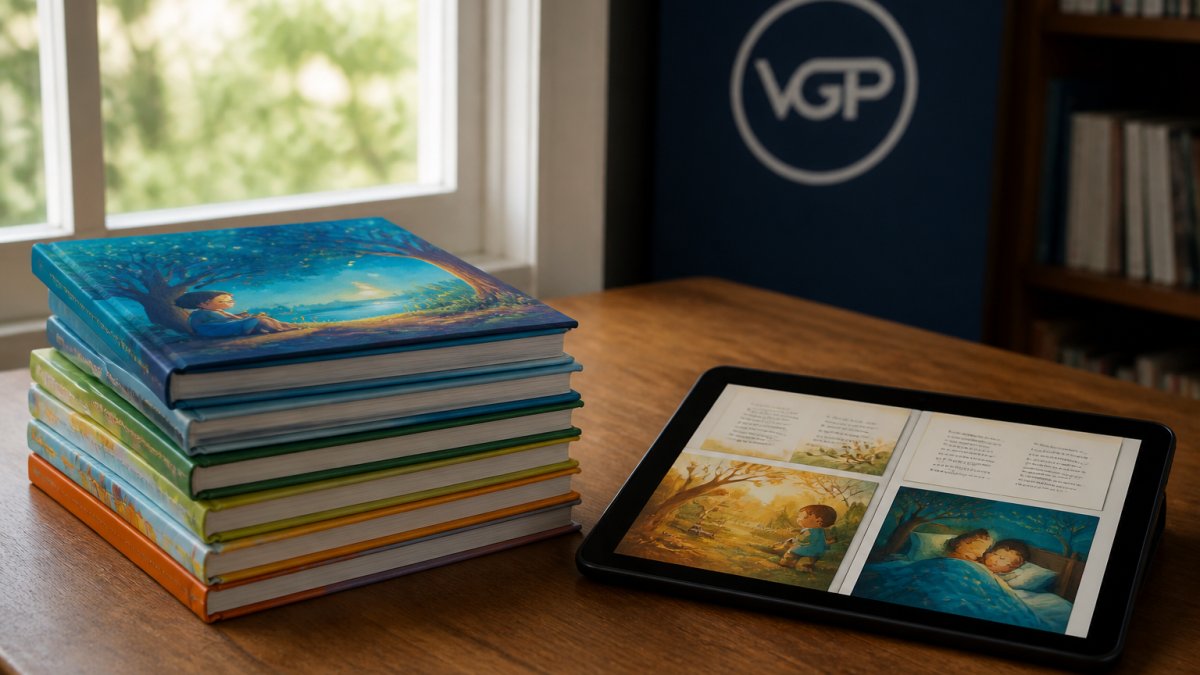
Print-on-demand (POD) prints one book at a time. No inventory, no upfront print bill, and you can update the file anytime.
Offset printing prints in bulk: per-book cost drops as the run grows, with better paper and finish options.
Paper Weight, Glossy vs Matte Finish, and Print Quality Trade-Offs
Paper weight changes how a book feels in a parent's hands: heavier paper feels sturdier and holds color better, but costs more. Glossy finish makes colors pop; matte looks softer and hides fingerprints. For picture books, a matte cover with heavier interior stock can be a good choice, as it can be more durable and show art clearly.
How to Format an Illustrated Book for KDP
To format an illustrated book for KDP, match the trim size, add bleed, keep art out of the gutter, and export at the right DPI in the right color mode. Miss any one and KDP may reject the file, because these settings work as a system where each one changes the others.
Here are the settings that matter most:
- Trim size: pick one KDP supports, such as 8.5 x 8.5 inches for a square picture book
- Bleed: extend full-page art past the trim line so no white edges show
- Gutter: keep text and key art away from the center fold
- DPI: export images at 300 DPI for print
- Color mode: use CMYK for print, RGB only for digital
Trim Size, Bleed, Gutter, and DPI Settings That Prevent Rejection
The gutter is the inner margin where the two pages meet.
Bleed is the opposite problem. Art meant to run to the page edge must extend past the trim line, or you get an ugly white border after cutting.
DPI is where digital artists get caught. 300 DPI means 300 pixels per inch of printed page, so a full-page illustration at 8.5 x 8.5 inches needs roughly 2,550 x 2,550 pixels.
A few mechanisms worth knowing before you export:
- Page count drives spine width. KDP calculates spine width from page count and paper type, so do not design a wrap cover until the interior page count is locked.
- Page count also drives the minimum gutter. Thicker books need a wider inner margin because the binding takes more of the page, so a 24-page book and a 60-page book do not use the same gutter.
- Odd page counts are not allowed in print. Interiors print in multiples of two, so plan your spreads in pairs.
- Margins have a minimum. Text set too close to the trim edge can be clipped, so keep body text inside the safe margin.
KDP publishes its own file setup specs, so always check the KDP print file requirements before you export.
CMYK vs RGB: Color Profile Management Most Authors Get Wrong
CMYK is for print and RGB is for screens, and mixing them up is the single most common color mistake in self publishing. Your monitor shows RGB; your printer uses CMYK, and they do not match.
Accessibility matters here too. The Web Content Accessibility Guidelines recommend strong contrast between text and background, which helps young readers and readers with low vision. High contrast also prints more cleanly.
Illustrator Contracts and Commercial Rights: A Legal Checklist
An illustrator contract should state who owns the art, how it can be used, and what happens if the book sells well. Skip this and you may not legally own the images in your own book.
There are two different deals, and they are not interchangeable:
- Work made for hire. You commission the art, you pay for it, and you own the copyright from the moment it is created. The illustrator has no ongoing claim to the images. This is usually what authors want, and it usually costs more.
- Licensing. The illustrator keeps the copyright and grants you permission to use the art for specific purposes, for example, print and digital editions of one book, in one language, for a set number of years. The illustrator can license the same art elsewhere unless you negotiate exclusivity.
Most disputes come from authors assuming they bought the art when they actually licensed it. Read the grant-of-rights clause first and confirm which one you are getting.
What Each Contract Term Actually Controls
Before you sign or send a contract, confirm these points:
- Who owns the final artwork after payment
- Whether you get full commercial rights to print and sell
- Whether the illustrator can resell or reuse the art elsewhere
- Kill fee if the project stops midway
- Number of revision rounds included
Here is what those terms mean in practice:
Ownership and the grant of rights. This clause decides whether you can print, sell, translate, and adapt the book without asking permission again. If it says "license," check the scope: formats, territories, duration, and exclusivity. A license limited to print in one territory will not cover an ebook, audiobook, or foreign edition.
Kill fee. This is what the illustrator keeps if the project stops before completion.
Revision rounds. Specify how many rounds are included at each stage and what counts as a revision versus a new direction.
Credit and byline. Decide whether the illustrator is credited on the cover, the title page, or both, and how the name is spelled.
Derivative and ancillary rights. If your children's book later becomes a film or series, you need those rights spelled out.
The Clauses Authors Forget
A few terms rarely make the checklist but cause real problems later:
- Delivery format. State that final art arrives in layered, editable files at print resolution, not flattened JPEGs, otherwise adjusting a spread means paying twice.
- Source files and ownership of sketches. Decide whether you receive the working files or only the finals.
- Indemnification. The illustrator should warrant the art is original and does not infringe anyone else's copyright, so that risk is allocated in the contract.
- Payment schedule tied to milestones. Tie each payment to a deliverable, deposit, sketches, finals, so neither side is exposed.
- Termination and completed work. If the project ends early, who owns the sketches and partial art?
This is not legal advice; have a lawyer review any contract before signing. The checklist above is a starting point for that conversation, not a substitute for it.
Distribution, Book Signings, and What Happens After Launch
Launch day is the start, not the finish. Distribution, book signings, and steady marketing keep a picture book selling after week one.
For distribution, decide early whether you want wide reach or a single platform.
For book signings, local events still work, libraries, schools, and independent bookstores welcome local authors, and signed copies sell well at readings.
Post-launch logistics are where many authors stall:
- Track your ISBN and where the book is listed
- Keep a print-ready file on hand for reprints
- Plan a small ad budget for the first 90 days
- Collect reviews early, since they drive discovery
When you self publish illustrated books, creative and technical problems hit you at once.
Frequently Asked Questions
How much does it cost to self publish an illustrated book?
The cost to self publish a children's book depends on several variables: manuscript editing, professional illustration (often the largest expense, since picture books typically need 24 to 32 pages of art), layout design, and production. Illustration alone can range from a few hundred to several thousand dollars depending on the illustrator's experience and page count. Printing costs vary by quantity, paper weight, and whether you choose print-on-demand or offset. There is no single figure that fits every project, so request quotes based on your specific trim size, page count, and run length before committing to a budget.
Do I need an ISBN to self publish my illustrated book?
Yes, if you want your book sold through bookstores, libraries, or most online retailers, you need an ISBN. In the United States, ISBNs are issued by Bowker, and you can buy a single ISBN or a block of ten at a discount. Print-on-demand platforms sometimes offer a free ISBN, but that ISBN is registered to the platform as the publisher, which limits where you can distribute the book and how you list yourself as the publisher of record. Buying your own ISBN gives you full control over distribution and retail listings.
What is the standard trim size for children's picture books?
The most common trim sizes for children's picture books are 8.5 x 8.5 inches (square), 8 x 10 inches, and 10 x 8 inches (landscape). Square formats work well for bedtime stories and rhyming books where the art carries equal weight with the text. Landscape formats suit wide scenes and interactive spreads. Choose your trim size before illustration begins, because the gutter, bleed, and page layout all depend on it. Changing trim size after art is finished means redoing every spread.
How do I find a professional illustrator for my self-published book?
Start by reviewing portfolios on platforms where illustrators showcase children's book work, and look for artists whose style matches your story's tone, whether that is soft and whimsical or bold and adventurous. When working with an illustrator, always use a written contract that specifies deliverable format (300 DPI, CMYK, correct bleed), revision rounds, deadline, and whether you are buying full commercial rights or a limited license. Clarify upfront who owns the original art files after publication.